- Alex "Katten"
Easyweb Studio
Easywebs studio is for the developer.
In the studio you create your different templates and modules, create the data-structure for each template based on the studios input-elements.
Get to the studio
Click on the wrench to get to the studio.
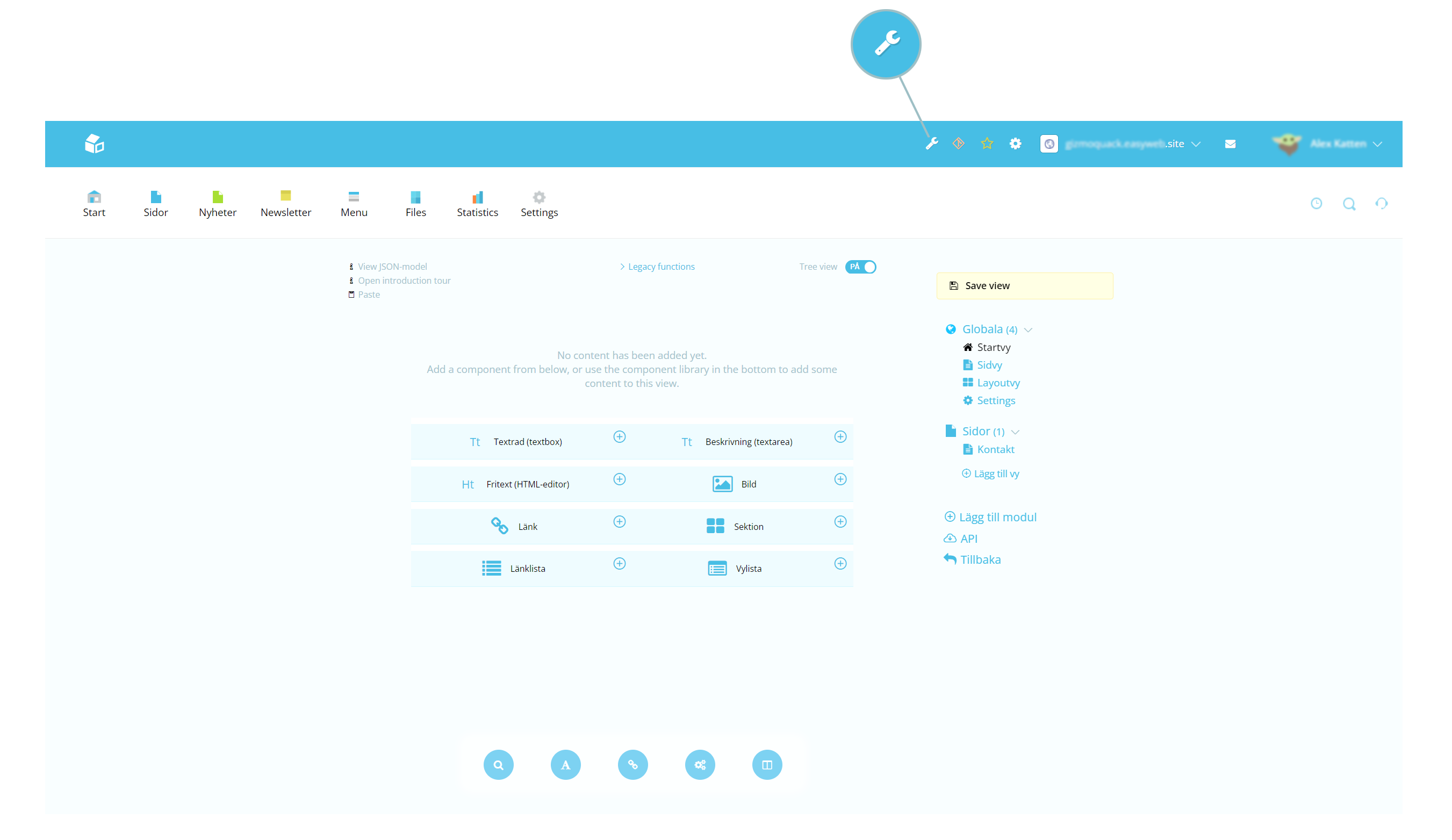
This is an overview of the studio. It's composed of a main/middle section, a right column and a menu in the bottom. Read more about each section below.
Main/middle section
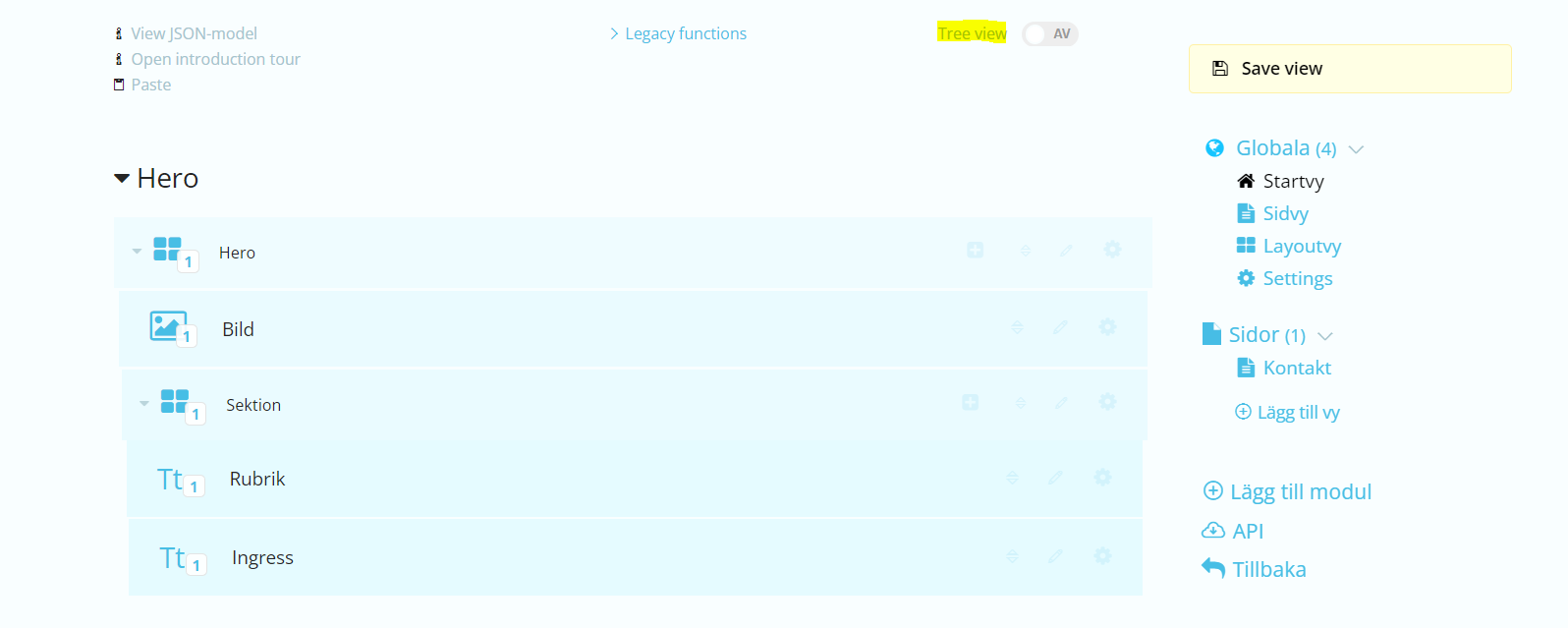
The main, or middle section, displays the layout and structure of the views. It shows what elements and components the page contains. Here you can add or customize existing elements/components.
The tool is drag and drop. You can also mark elements to add other elements and create components.
Each element is composed of:
Title, Key
It also contains a button to add elements, a quick menu with frequently used settings and a shortcut to the full list of settings. If you click on the gear you get a popup with a small selection of settings and options.
| Name | Description |
|---|---|
| Settings | Opens full settings tab/menu |
| Remove | Removes the component |
| Allowed amount (of input) | The max amount of elements that can be added |
| Display width | Sets width of the element in Easyweb |
| Copy | Copy element |
| Paste | Paste copied element under selected |
Right column
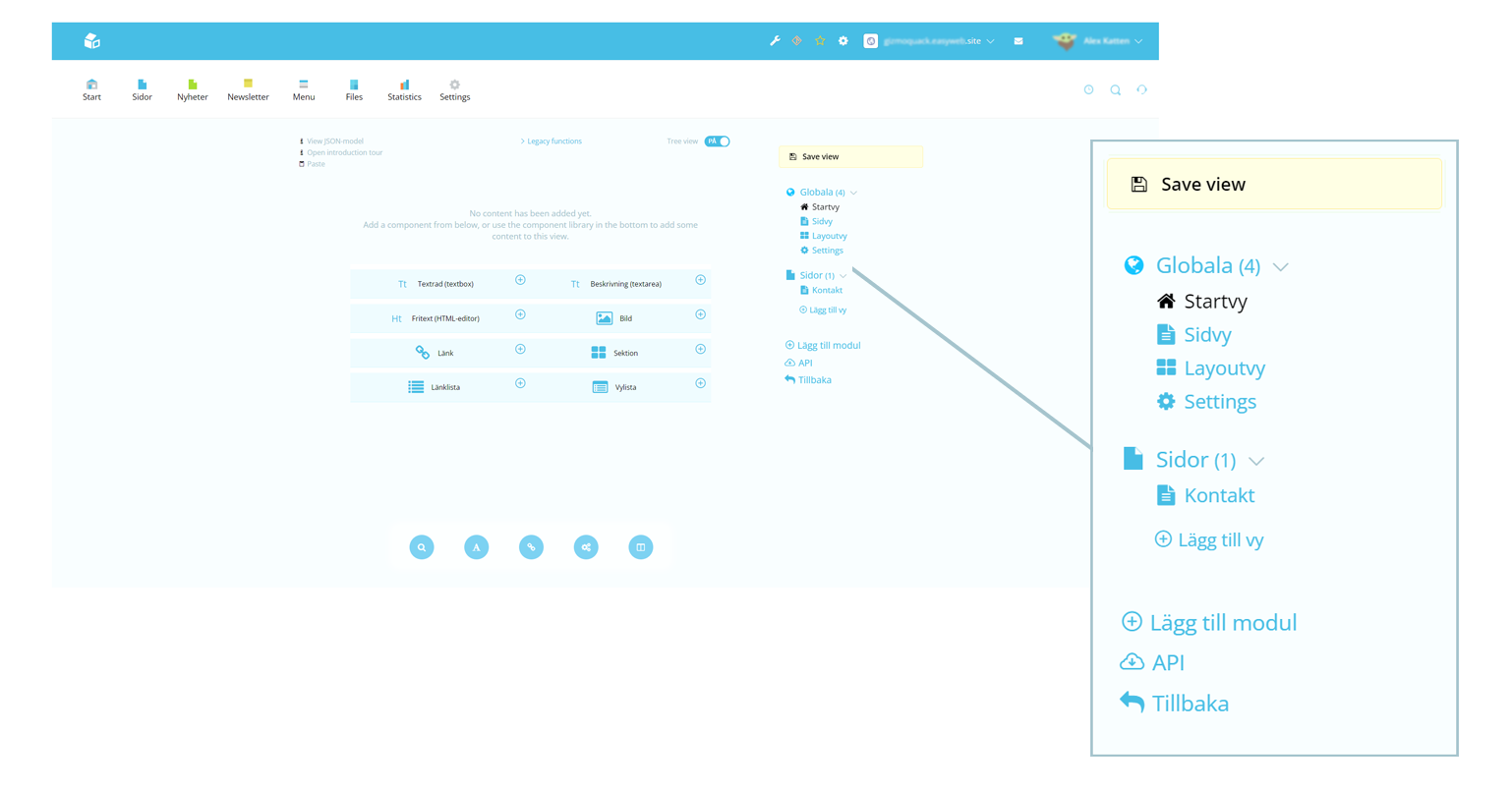
The column to the right lists all the views and modules. Here you can add or edit existing modules.
Read more about modules and views here.
Menu with elements
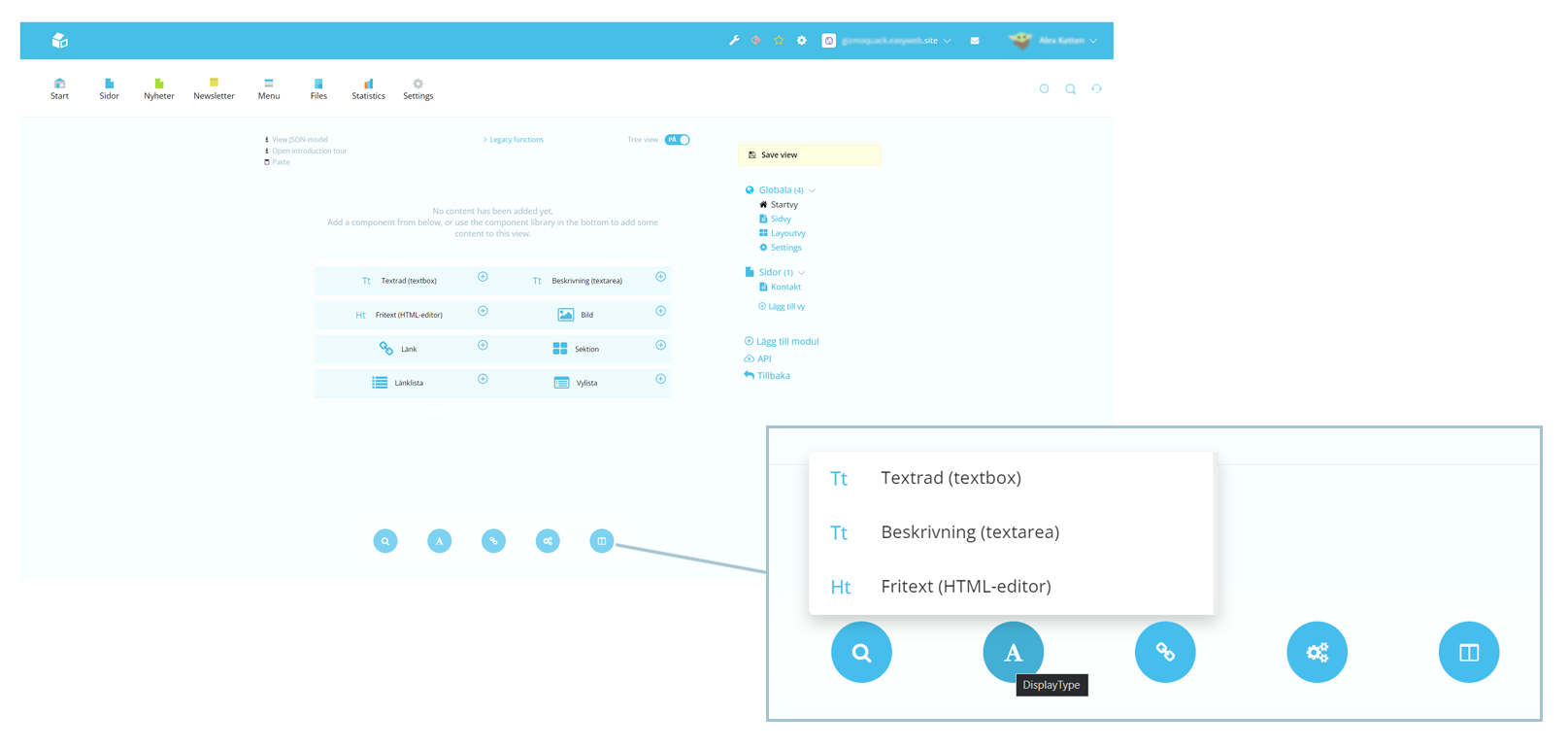
In the bottom there’s a menu which contains lists of elements. There are four kinds of element groups:
Displaytype, referencetype, featuretype and sectiontype.
With the menu you can add elements to your view.
Read more about elements here.
Header/top section
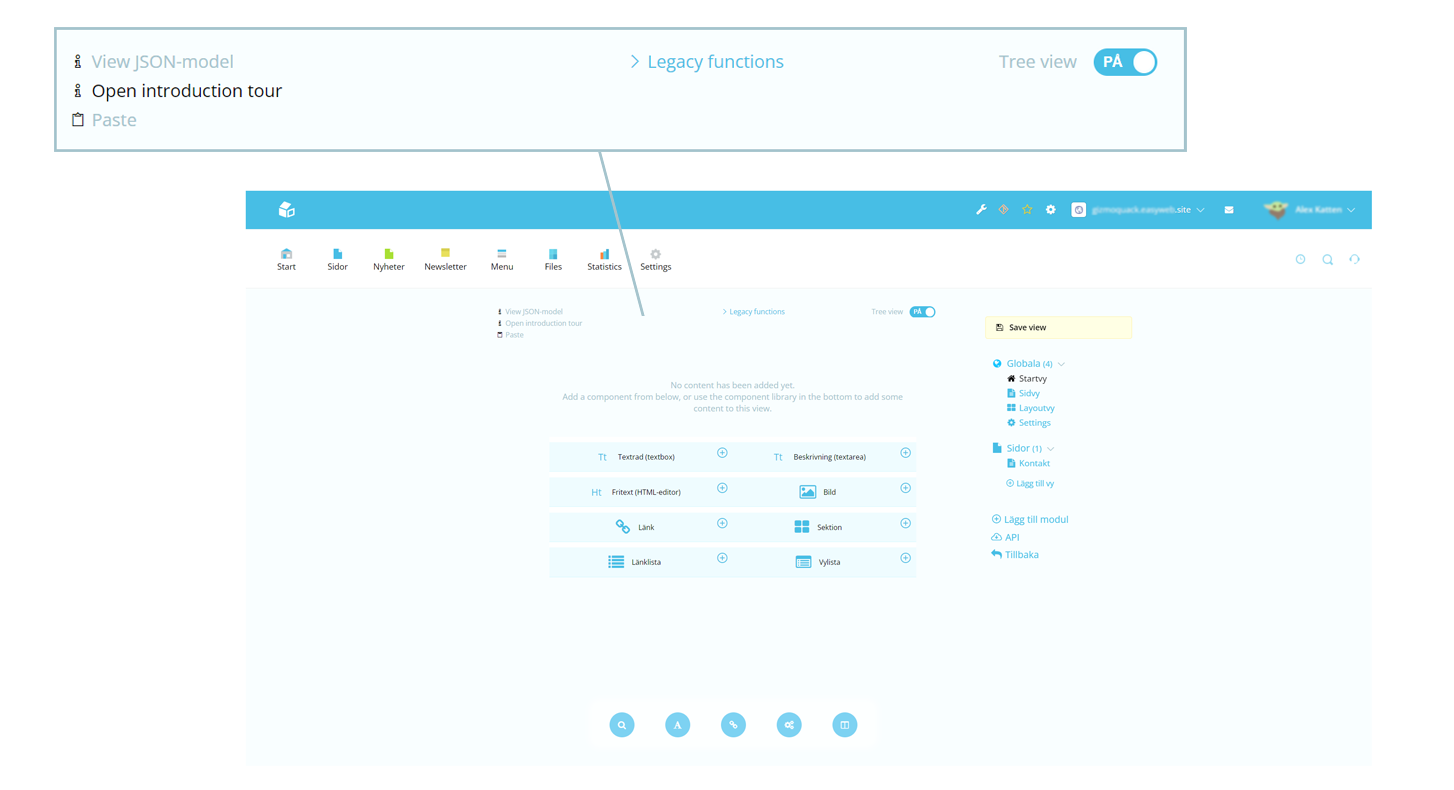
Options in the top.
| Name | Description |
|---|---|
| View JSON-model | Opens up a popup with JSON |
| Open introduction tour | |
| Paste | Paste copied element under selected |
| Legacy functions | On and off switches for content like SEO and tags |
You can also toggle between layouts.
Tree view: on
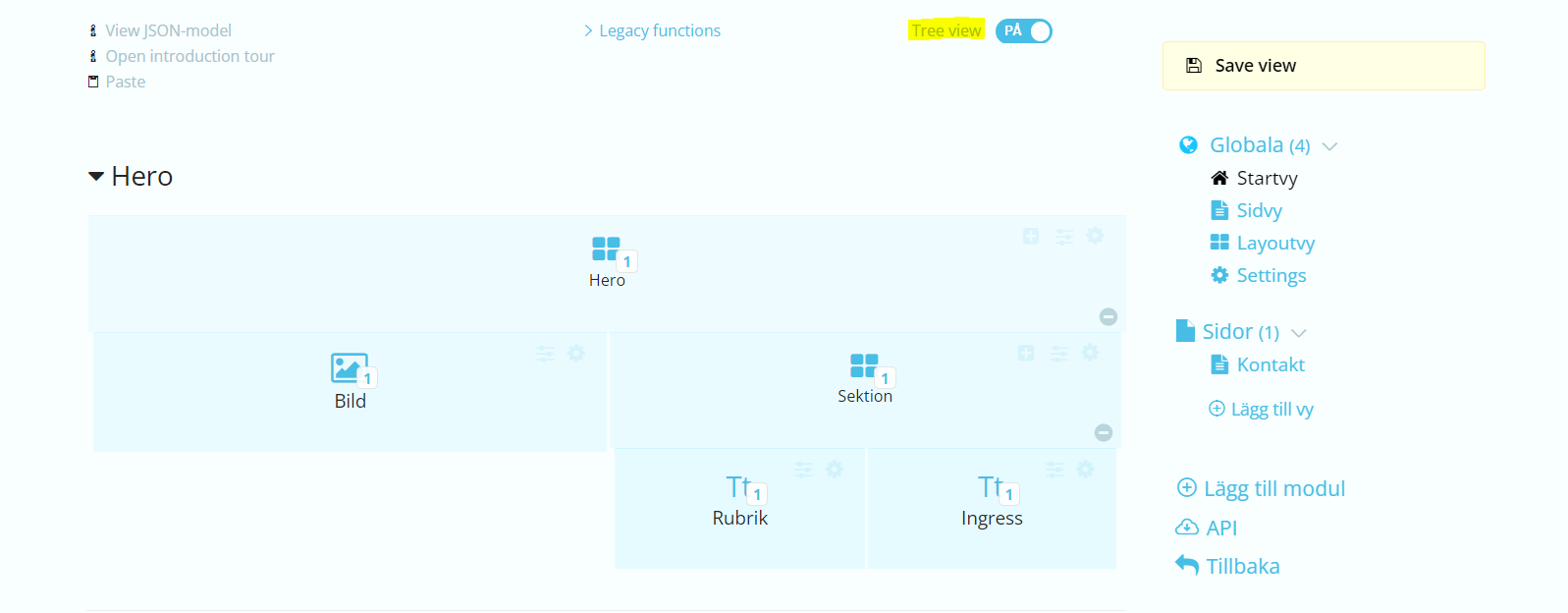
Tree view: off