


- Emil
Reference type
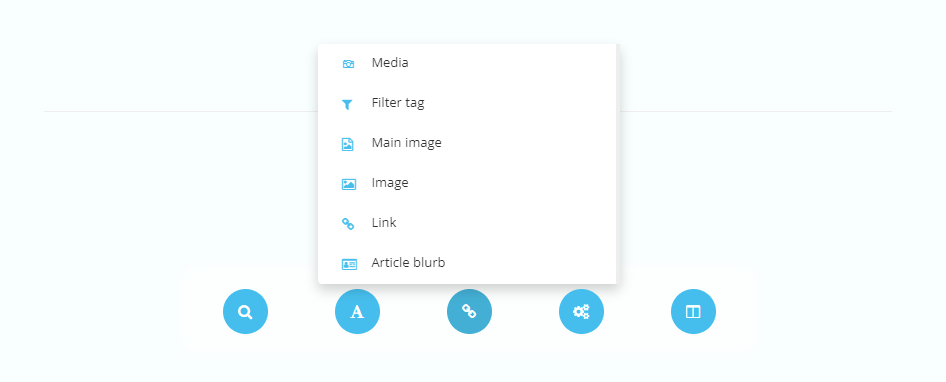
Reference elements display a field where a reference is added. For example, a link or an image. Reference elements can be added by accessing the reference type element button within the element type menu.
Media
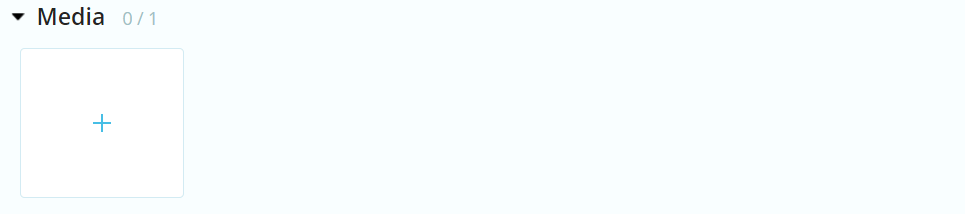
Media displays a field where an image or video can be added from the file library.
| Settings name | Instructions |
|---|---|
| Randomise if left empty | Set wether an image is randomly added if field is left empty by administrators. |
| Use thumbnail | Set wether to use desired thumbnail in output. |
| Thumbnail width | Set the width of the thumbnail in px. |
| Thumbnail height | Set the height of the thumbnail in px. |
| Thumbnail type | Set the type of the thumbnail. - FixedSize = Resizes proportions - DynamicSize = Retains proportions and ensures the whole image is visible. - FixedSizeAutoCrop = Retains proportions by cropping. - CropToSize = Crops image to the desired thumbnail width and height. |
Using fitting thumbnails is a great way to minimize data use and speed up your app!
Image
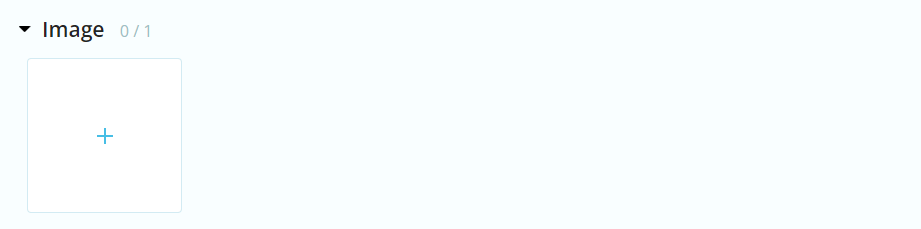
Image/Main image displays a field where an image can be added from the file library.
| Settings name | Instructions |
|---|---|
| Randomise if left empty | Set wether an image is randomly added if field is left empty by administrators. |
| Use thumbnail | Set wether to use desired thumbnail in output. |
| Thumbnail width | Set the width of the thumbnail in px. |
| Thumbnail height | Set the height of the thumbnail in px. |
| Thumbnail type | Set the type of the thumbnail. - FixedSize = Resizes proportions - DynamicSize = Retains proportions and ensures the whole image is visible. - FixedSizeAutoCrop = Retains proportions by cropping. - CropToSize = Crops image to the desired thumbnail width and height. |
Link
Link displays a field where an external/internal link can be added. Administrators also have the option to set a link label.
| Settings name | Instructions |
|---|---|
| Constrain to specific module | Choose the module that can be accessed in the field. |
| Do not allow folder links | Choose wether a link to a folder can be added in the field. |
| Do not allow article links | Choose wether a link to an article can be added in the field |
| Hide label | Choose wether a label can be added to the link. |
| Hide target=_blank | Choose wether the "open in new window" option exists. |
| Hide email | Choose wether an email link can be added in the field. |
| Hide startpage | Choose wether a link to the application root can be added in the field. |
| Hide external link | Choose wether an external link can be added in the field. |
Article blurb
Article reference displays a field where an internal link can be added. Suitable if you want to fetch content from other views.

| Settings name | Instructions |
|---|---|
| Randomise if left empty | Set wether an image is randomly added if field is left empty by administrators. |
| Use thumbnail | Set wether to use desired thumbnail in output. |
| Thumbnail width | Set the width of the thumbnail in px. |
| Thumbnail height | Set the height of the thumbnail in px. |
| Thumbnail type | Set the type of thumbnail. FixedSize = Resizes proportions, DynamicSize = Retains proportions and ensures the whole image is visible. FixedSizeAutoCrop = Retains proportions by cropping. CropToSize = Crops image to the desired thumbnail width and height. |
| Constrain to specific module | Choose the module that can be accessed in the field. |
| Do not allow folder links | Choose wether a link to a folder can be added in the field. |
| Do not allow article links | Choose wether a link to an article can be added in the field |
| Hide label | Choose wether a label can be added to the link. |
| Hide target=_blank | Choose wether the "open in new window" option exists. |
| Hide email | Choose wether an email link can be added in the field. |
| Hide startpage | Choose wether a link to the application root can be added in the field. |
| Hide external link | Choose wether an external link can be added in the field. |
